
Code withkai · v1.0.1
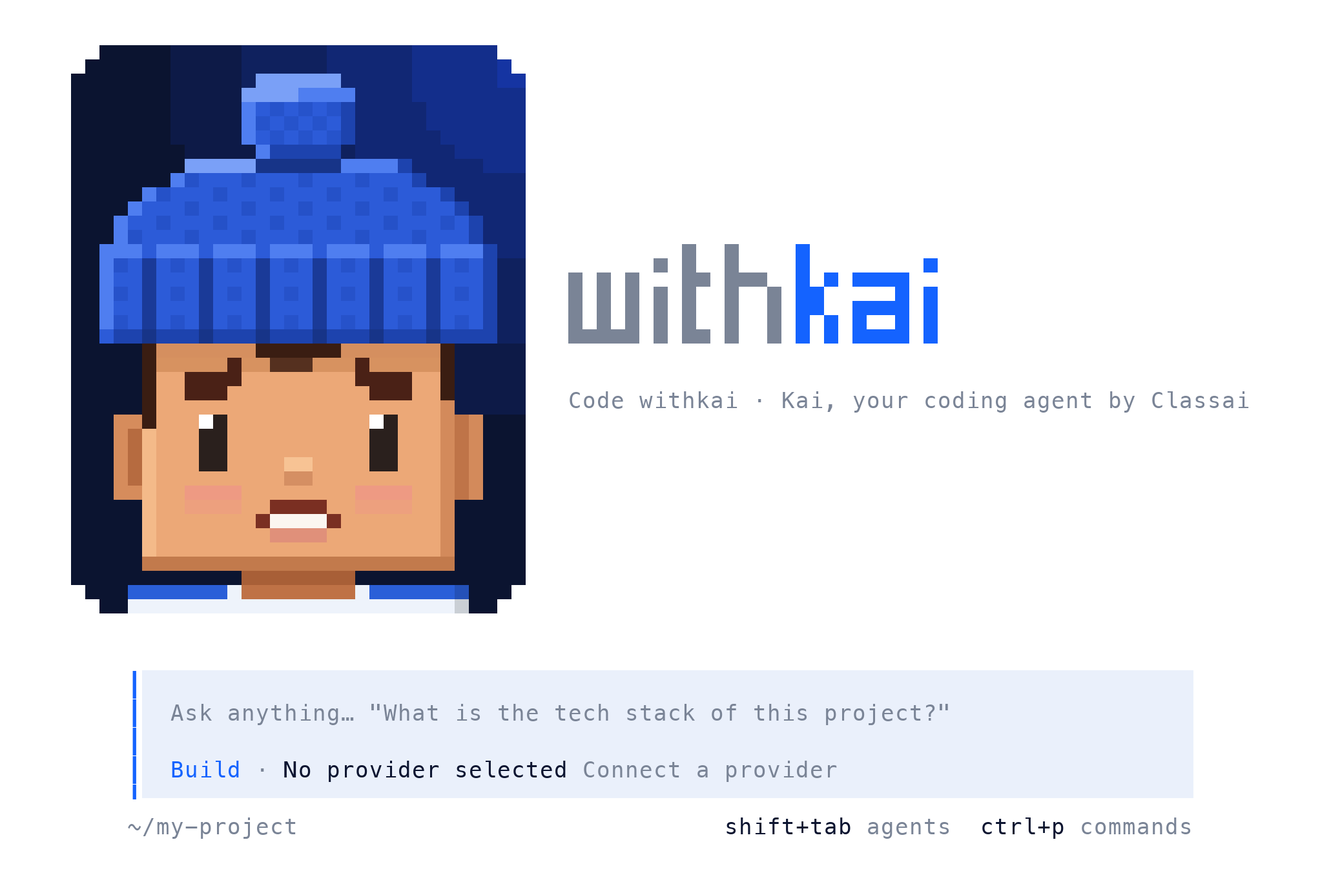
Kai, your coding agent in the terminal.
Kai reads your project, writes and fixes code, and runs commands with your OK — right in your Mac or Windows terminal. Classai Prime by default, Classai Premium in one keystroke, or any other router you like.
Free to install · same Classai account and credits as withkai.im · built on OpenCode (MIT)
Install in one line.
Open a terminal, paste the line for your computer, then type withkai in your project folder.
macOS
Apple Silicon (M1–M5) and Intel · macOS 13+
Open Terminal and paste:
$ curl -fsSL https://withkai.im/install | bashOr download the app file: Apple Silicon (80 MB) · Intel (85 MB)
Windows
Windows 10 and 11 · 64-bit
Or open PowerShell and paste:
$ irm https://withkai.im/install.ps1 | iexPortable: withkai-windows-x64.zip (96 MB)
On a Linux server (x64 or ARM, glibc)? The Mac command works there too. Version 1.0.1, released 2 November 2026.
Your first five minutes.
- Step 1
Install
Paste the one-line installer, or run the Windows setup.
- Step 2
Open a project
cd into your project folder and type withkai.
- Step 3
Sign in with Classai
The browser opens; press Allow. Your Prime and Premium keys are set up for you.
- Step 4
Ask Kai
“Add a login page”, “why does this test fail?”, “explain this repo”.
Classai Router built in. Any router welcome.
One sign-in gives Code withkai two Classai lanes. Switch any time with /models.
Classai Prime Default
Classai's core network — Claude, GPT, Gemini, DeepSeek, GLM, Kimi, Qwen and more at the normal per-token price. Credits or token packages.
Classai Premium
The model makers' official channels, for teams that need them. Premium per-model prices, paid from credit.
Any other router
Like OpenCode: /connect adds OpenAI, Anthropic, Google, OpenRouter, 75+ providers or any OpenAI-compatible base URL.
Top up without leaving the terminal
Type /credits (or run withkai credits): see your balance, pick a pack, pay in the browser with QRIS, e-wallet or bank — Kai tells you the moment the credits land.
Everything OpenCode does — with Kai.
- Plan and build agents, sub-agents, MCP servers, LSP-aware edits, sessions you can continue.
- Every file change and command is shown first — approve, deny, or auto-approve for the task.
- Keys stay on your computer. Disconnect them any time in the Router dashboard.
| withkai | Open Kai in the current folder |
| withkai login | Sign in with your Classai account (Prime + Premium) |
| withkai credits | See your balance and buy credits |
| withkai run "…" | One task without the full-screen app |
| withkai upgrade | Update to the latest version |
| /models | Switch model or lane (Prime / Premium / others) |
| /connect | Add another provider or router |
| /credits | Balance and top-up, inside the app |
| /theme | withkai (light) or withkai-night |
Questions
Is Code withkai free?
What's the difference between Classai Prime and Classai Premium?
Can I use another router or my own API key?
Windows says “Windows protected your PC”.
macOS says the app can't be checked for malware.
How do I uninstall it?
Something else? Write to [email protected]. Code withkai is built on OpenCode (MIT licence).